


HubSpot social engineering attacks are on the rise.
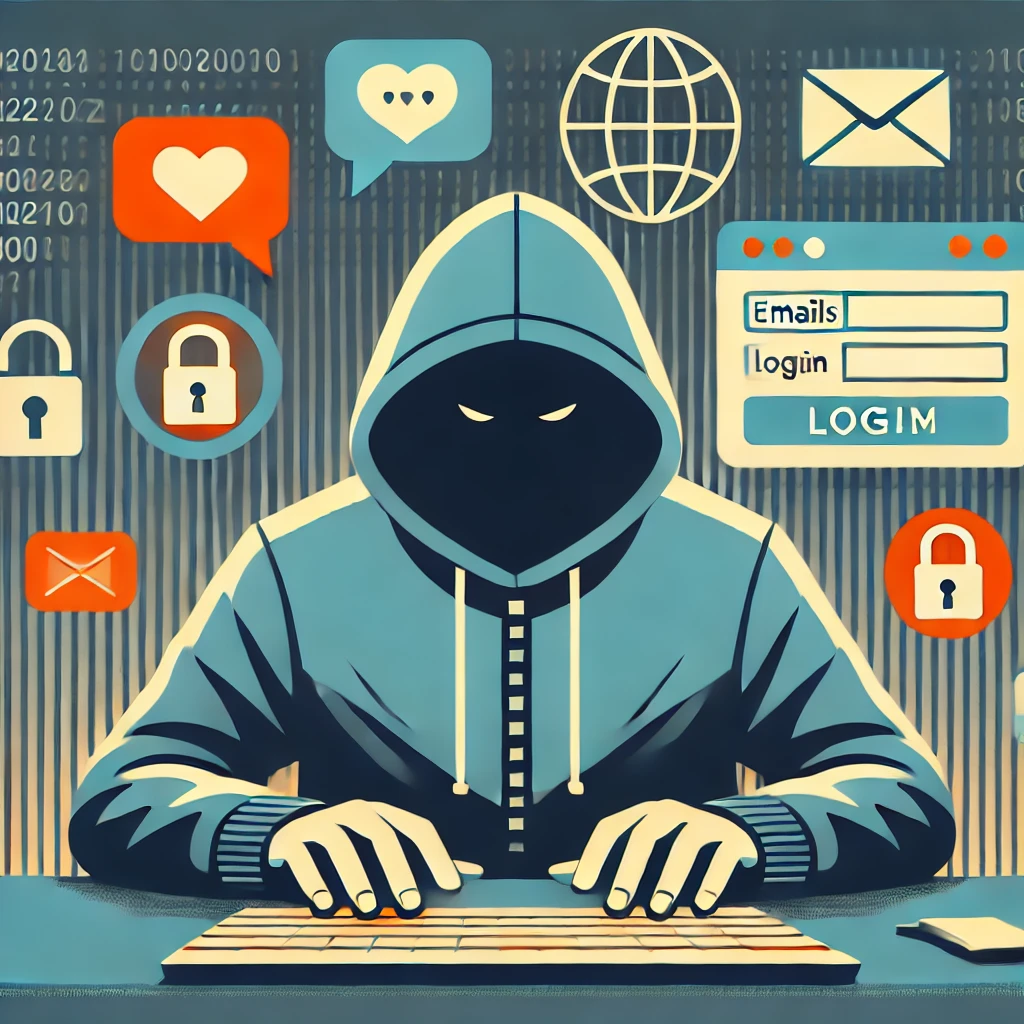
These days, keeping your online accounts safe is more critical than ever, especially when it comes to platforms like HubSpot that manage your important business data. Recently, HubSpot has alerted customers to be on the lookout for bad actors who may try to impersonate HubSpot employees. These scammers aim to trick you into giving them access to your account. But don’t worry—by staying informed and taking a few proactive steps, you can easily safeguard your account.
Let’s break down what’s happening and what you can do to keep your HubSpot account secure.
How to Spot a HubSpot Impersonator
It’s important to remember that HubSpot has very specific policies about how and when they contact customers. Knowing these policies can help you recognize a scam right away.
- You get an unexpected call from a “HubSpot employee”
One of the biggest red flags is receiving an unprompted phone call from someone claiming to be with HubSpot. HubSpot’s support team will never call you unless you’ve specifically requested a callback through your account. So, if you get a surprise call, it’s a good idea to hang up and contact HubSpot directly to verify the legitimacy of the call. Always trust your gut—if it doesn’t feel right, double-check! - The caller tries to create a sense of urgency or fear
Scammers often rely on making you feel pressured. They may claim there’s an urgent problem with your account or try to scare you into sharing sensitive details like your password or two-factor authentication (2FA) codes. HubSpot will never use fear tactics to get you to act quickly, and they will never ask for your account credentials over the phone. If someone does, that’s your cue to end the call immediately.
Simple Steps to Secure Your HubSpot Account
Even though it’s unsettling to hear about these scams, the good news is that there are several easy steps you can take to keep your HubSpot account secure. Let’s go over a few of them.
- Review Your Account Users Regularly
It’s a great habit to frequently check who has access to your HubSpot account. If you see any users you don’t recognize or people who no longer need access, be sure to remove them right away. This will reduce your overall risk and ensure that only trusted individuals are logging into your account. - Enable Two-Factor Authentication (2FA)
If you haven’t already, setting up two-factor authentication is one of the simplest and most effective ways to protect your account. With 2FA enabled, even if someone gets hold of your password, they won’t be able to log in without the second form of verification (such as a code sent to your phone). - Use IP Allowlisting
Another great security measure is IP allowlisting, which restricts access to your account from only trusted IP addresses. This ensures that no one outside of your approved network can log in. - Monitor Your Account Activity
Be proactive about keeping an eye on your account activity. If something seems unusual—like unexpected logins or actions you didn’t authorize—don’t hesitate to contact HubSpot Support. It’s always better to catch any suspicious activity early. - Leverage HubSpot’s Security Health Tool
HubSpot offers a Security Health tool that provides insights and recommendations to improve your account’s security. It’s worth visiting regularly to see how you can further protect your data.
What to Do if You’re Targeted
If you ever find yourself in a situation where you think someone may be impersonating a HubSpot employee, the first step is to stay calm. Hang up or end the interaction, and don’t provide any sensitive information. Then, contact HubSpot directly using their official support channels to report the incident.
Remember, HubSpot will never pressure you or ask for your account credentials out of the blue. Staying alert and following these simple security practices will go a long way in protecting your data and your business.
At the end of the day, a few precautions can make all the difference. By being aware of potential threats and taking proactive steps, you’ll be much better positioned to keep your HubSpot account—and all your valuable business information—safe from bad actors.